
Stackposts – AI Social Media Management & Marketing SaaS Platform
Description
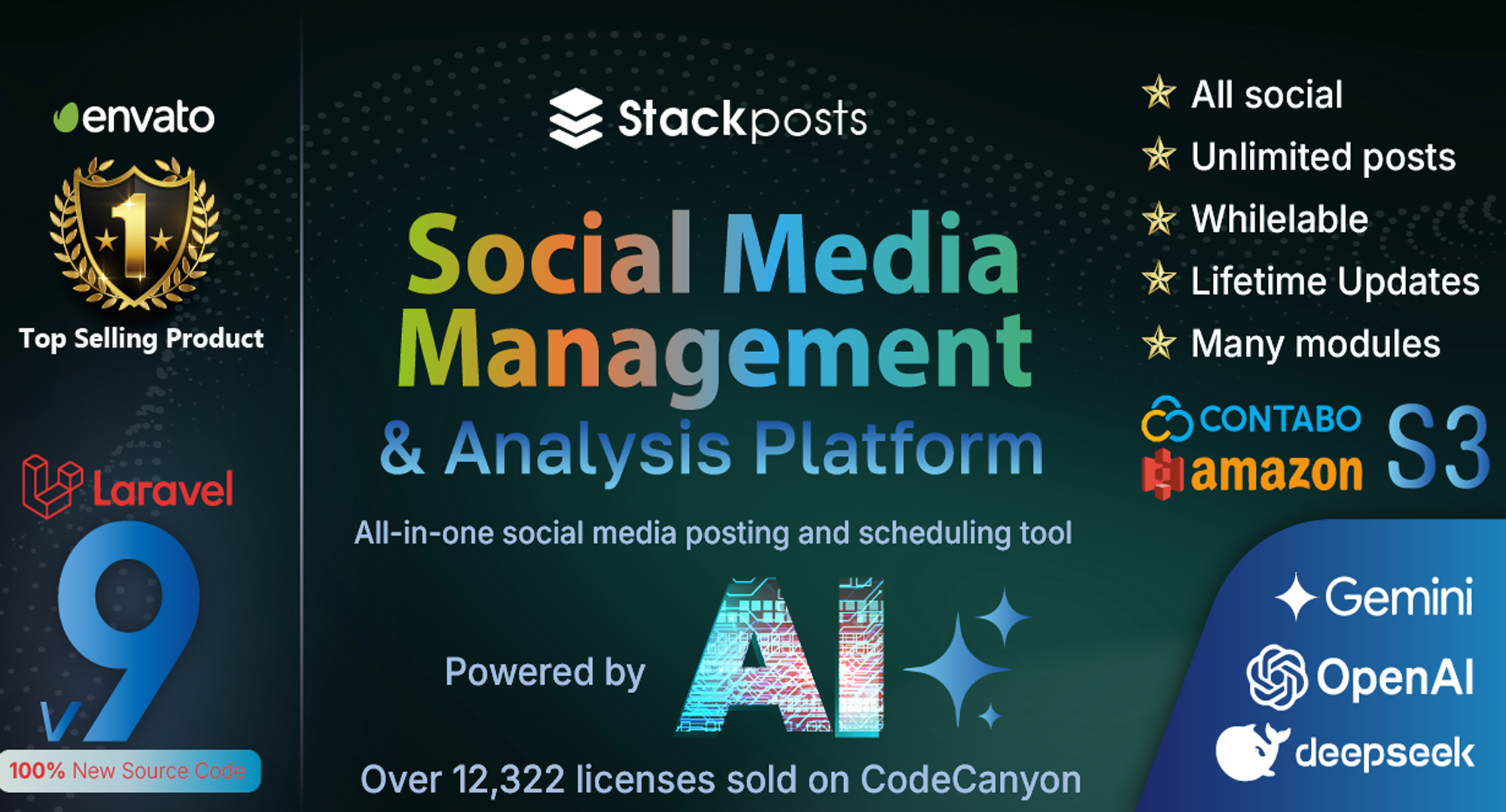
Stackposts is a powerful social media management platform that enables individuals, agencies, and startups to automate and control all their social media accounts from a single, centralized dashboard. Streamline your operations, save time, boost productivity, and enhance engagement with this all-in-one solution.
With the Extended License, you can rebrand Stackposts as your own white-label SaaS platform and launch a social media management business without starting from scratch.
✨ Key Features at a Glance
- Centralized Management: Manage Facebook, Instagram, X (Twitter), LinkedIn, TikTok, and more from one dashboard.
- Powerful Post Scheduling: Advanced scheduling, a visual drag-and-drop calendar, and smart reposting to recycle evergreen content.
- AI-Powered Content Creation: Integrate with OpenAI, Gemini, and DeepSeek to generate captions, hashtags, and post ideas automatically.
- SaaS-Ready Platform: Use the Extended License to charge users and run your own social media management business.
- Advanced Team Collaboration: Manage team members with specific user roles and permissions for a smooth workflow.
- In-Depth Analytics & Reports: Track post performance, user growth, and payment history with a comprehensive dashboard.
- Complete Media Management: A centralized file manager with cloud storage integration (Amazon S3, Contabo S3) and a built-in photo editor with watermarking.
- One-Time Payment: Get lifetime access for a one-time fee—a huge saving compared to competitors charging $228+ per year.
- Trusted & Reliable: Developed by an Envato Elite Author with over 12,322+ sales and 9 years of experience.
⚙️ In-Depth Feature Breakdown
1. Advanced Publishing & Scheduling
A robust suite of tools to schedule, automate, and optimize content across all your channels.
The Visual Calendar
- Multiple Views: Switch between a full Monthly View, a detailed Weekly View, or a chronological List View.
- Drag-and-Drop Scheduling: Easily move posts around the calendar to adjust publishing dates.
- Advanced Filtering: Instantly find content by filtering by social platform, post status (e.g., published, failed), content type (image, video), or campaign labels.
- In-Calendar Actions: Quickly preview, edit, pause, resume, or delete posts directly from the calendar view with icon pop-ups.
Smart Automation Tools
- Bulk Scheduling: Import and schedule hundreds of posts at once by uploading a single CSV file containing captions, image URLs, links, and scheduled times.
- RSS Auto-Posting: Connect multiple RSS feeds to automatically fetch and publish fresh content to your social accounts, keeping them active 24/7.
- AI Auto-Posting: Leverage AI to generate and schedule content automatically based on your input and popular models like OpenAI, Gemini, and Deepseek.
2. The Powerful Composer & AI Assistant
Create stunning, platform-optimized content faster than ever.
Content Creation & Formatting
- Spintax Support: Create random text variations like
{Hey|Hello|Hi} there!to ensure your recycled content always looks fresh. - Caption Templates: Save, organize, and reuse your best-performing captions and hashtag sets with a single click.
- Save as Draft: Never lose your work. Save posts as drafts to edit and perfect later.
- Character Counters: Real-time counters for each platform ensure you stay within character limits.
- Labels & Campaigns: Organize every post with labels (e.g., “Promotion”) and group them into campaigns for holistic performance tracking.
AI-Powered Assistant
- AI Copywriting: Integrate with ChatGPT, Gemini, and DeepSeek to generate post copy, headlines, and hooks.
- Tone & Style Adjustment: Let AI adapt your text to match your brand’s voice (professional, friendly, humorous).
- AI Content Templates: Use predefined AI prompts to generate ready-to-use social media content for various goals and industries.
Rich Media & Link Handling
- Drag-and-Drop Uploader: Easily add media from your computer or the File Manager.
- Cloud Integration: Directly import images and videos from Google Drive, Dropbox, OneDrive, and Adobe Express.
- Online Image Search: Find and use high-quality, royalty-free images from Unsplash, Pexels, and Pixabay without leaving the composer.
- Get Image from URL: Instantly pull and use an image directly from any web link.
- Built-in Photo Editor: Crop, resize, apply filters, and make adjustments on the fly.
- Link Shortening & Previews: Automatically shorten links (Bit.ly and more) and see how they will appear on Facebook and LinkedIn.
3. Platform-Specific Posting Tools
Instagram Auto Post
- Supported Posts: Single Image/Video, Carousels, Reels, and Story Scheduling.
- Auto First Comment: Automatically post your hashtags in the first comment to keep your caption clean (via Unofficial API).
Facebook Auto Post
- Supported Posts: Text updates, Link Posts (with auto-generated previews), single/multiple Photo Posts, and Video Posts to Facebook Pages.
X (Twitter) Auto Post
- Supported Posts: Text tweets (up to 280 characters), single/multiple Image Tweets, and Video Tweets.
LinkedIn Auto Post
- Supported Posts: Text updates, Link Posts, and single/multiple Image or Video Posts to both LinkedIn Profiles and Company Pages.
TikTok Auto Post
- Schedule & Draft: Schedule your video, caption, and hashtags. The post is saved as a draft in your TikTok app at the scheduled time for final review and one-tap publishing. (Note: Direct public posting is a limitation of the official TikTok API).
4. Core Management Modules
- Channel Manager: A centralized dashboard to add, remove, and organize all your connected social media profiles. Grant team members shared access without sharing passwords.
File Manager:
- Centralized Library: Store all your images, videos, and GIFs.
- Organization: Create folders, use the keyword search, and filter by file type to find assets instantly.
- Cloud Storage: Integrates with S3-Compatible Storage (like Amazon S3, Contabo) to host your files securely and scalably.
- Team Sharing: Share the file manager and assets with your team members.
Demo Access
Demo URL: https://try.stackposts.com/stackposts/
Login Credentials
- Username:
demo - Password:
123456
Related Products
Same Contributor
Featured Products
No posts were found.